> For the complete documentation index, see [llms.txt](https://blog.telegram.lvivcenter.org/tg-research/llms.txt). Markdown versions of documentation pages are available by appending `.md` to page URLs; this page is available as [Markdown](https://blog.telegram.lvivcenter.org/tg-research/login.md).
# Login
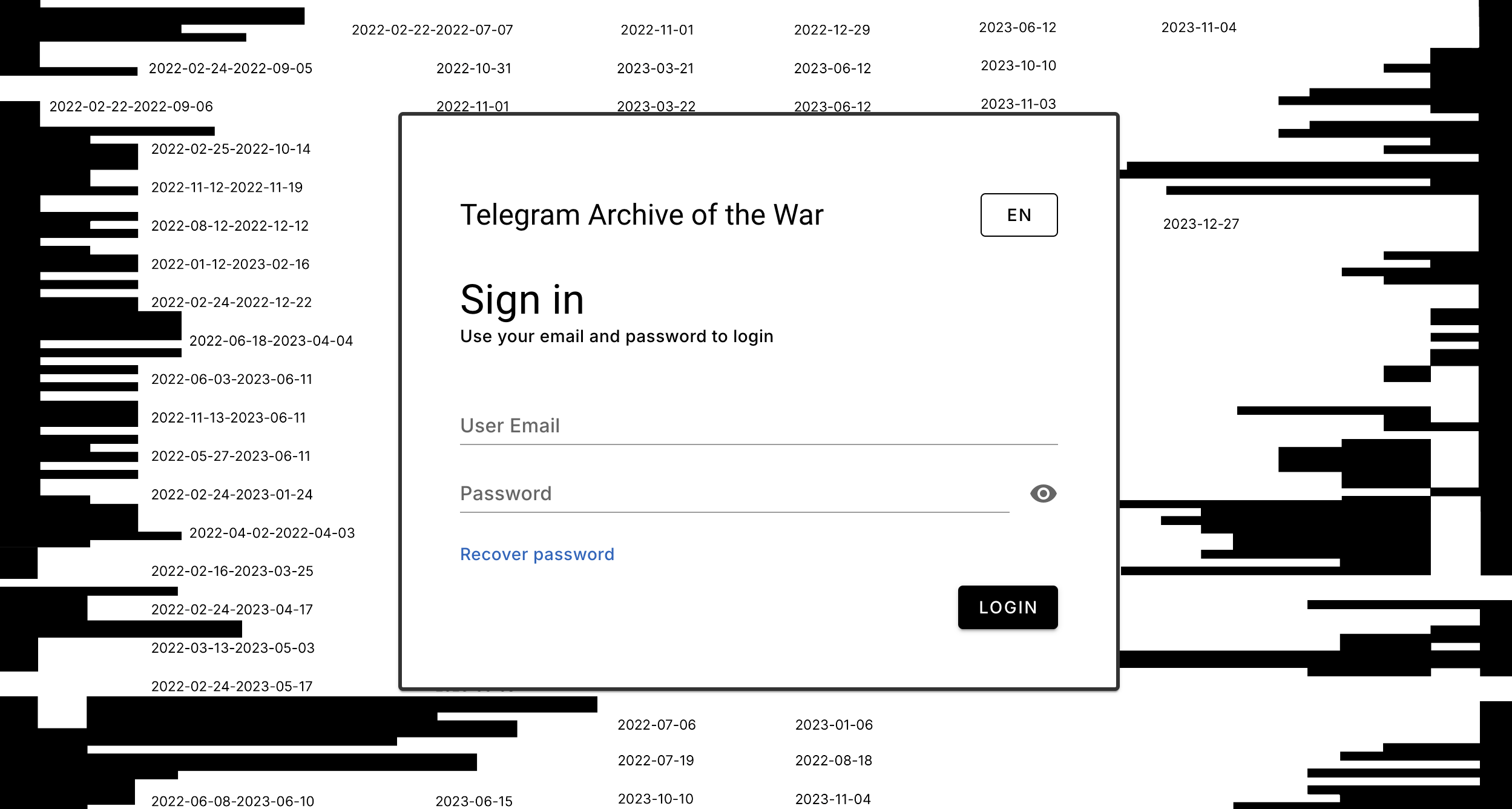
To log in to the tool, enter your email address and the password received during registration.
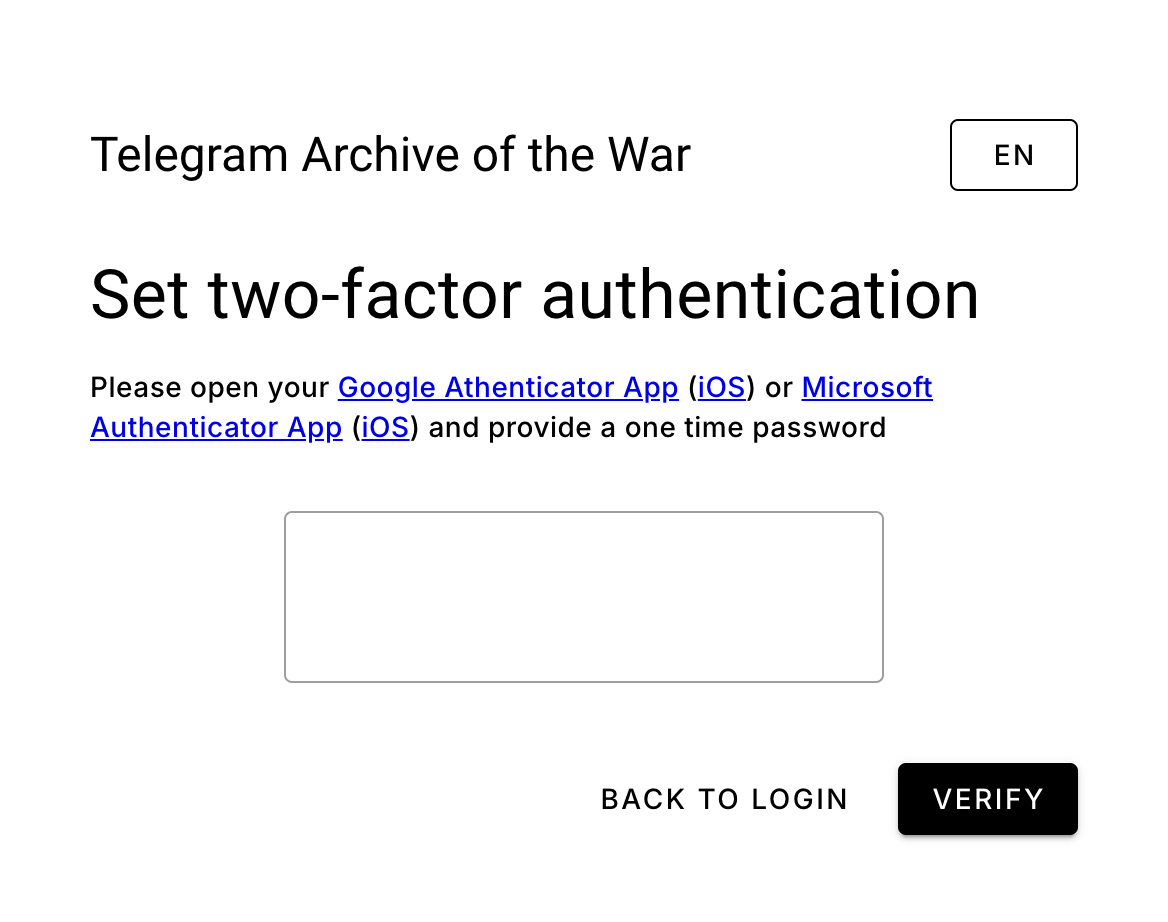
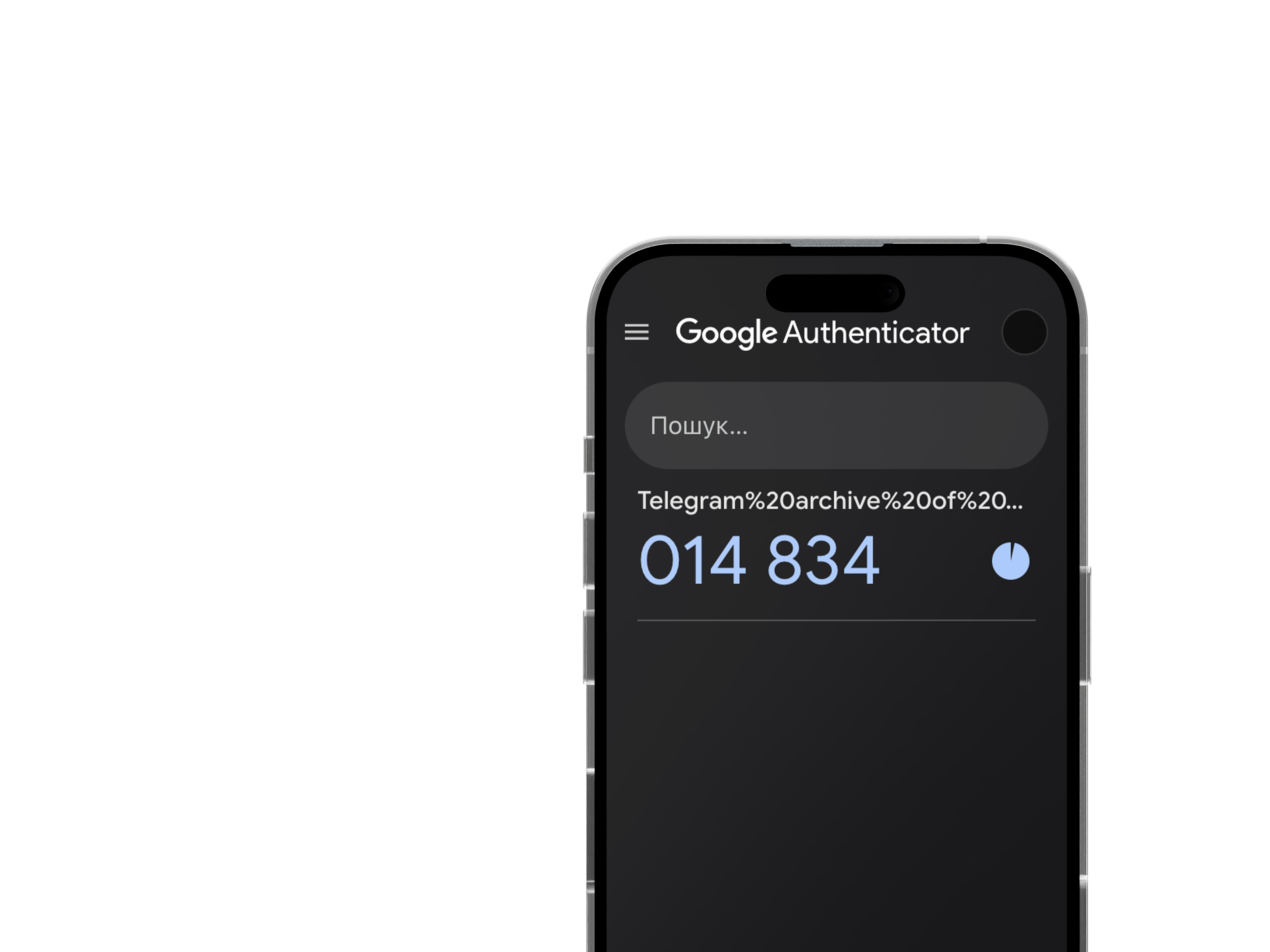
The next step is to complete two-factor authentication—install the [Google Authenticator App](https://play.google.com/store/apps/details?id=com.google.android.apps.authenticator2) ([iOS](https://apps.apple.com/us/app/google-authenticator/id388497605)) or [Microsoft Authenticator App](https://play.google.com/store/apps/details?id=com.azure.authenticator) ([iOS](https://apps.apple.com/us/app/microsoft-authenticator/id983156458)) on your smartphone and enter the one-time password generated by the app.